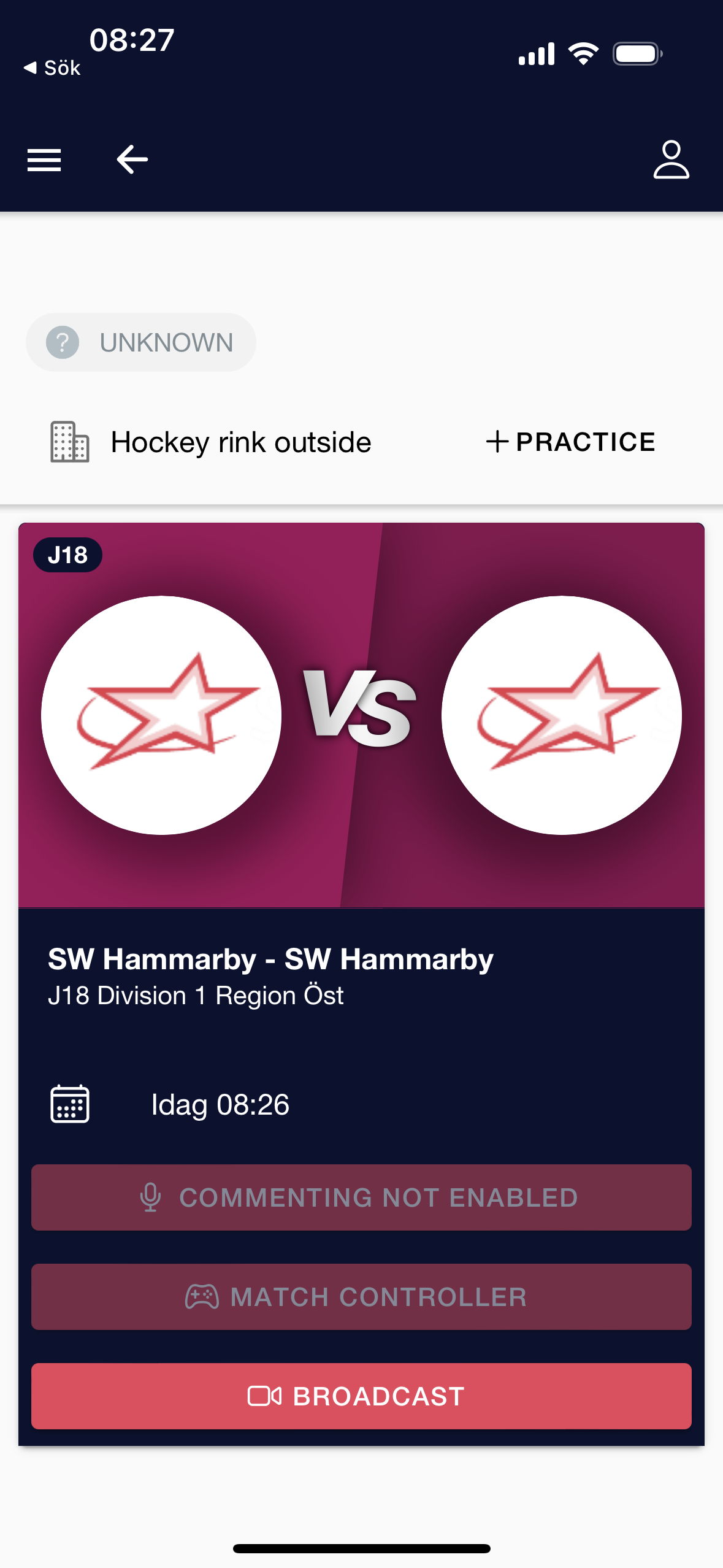
Create Venue with connection to Producer App camera
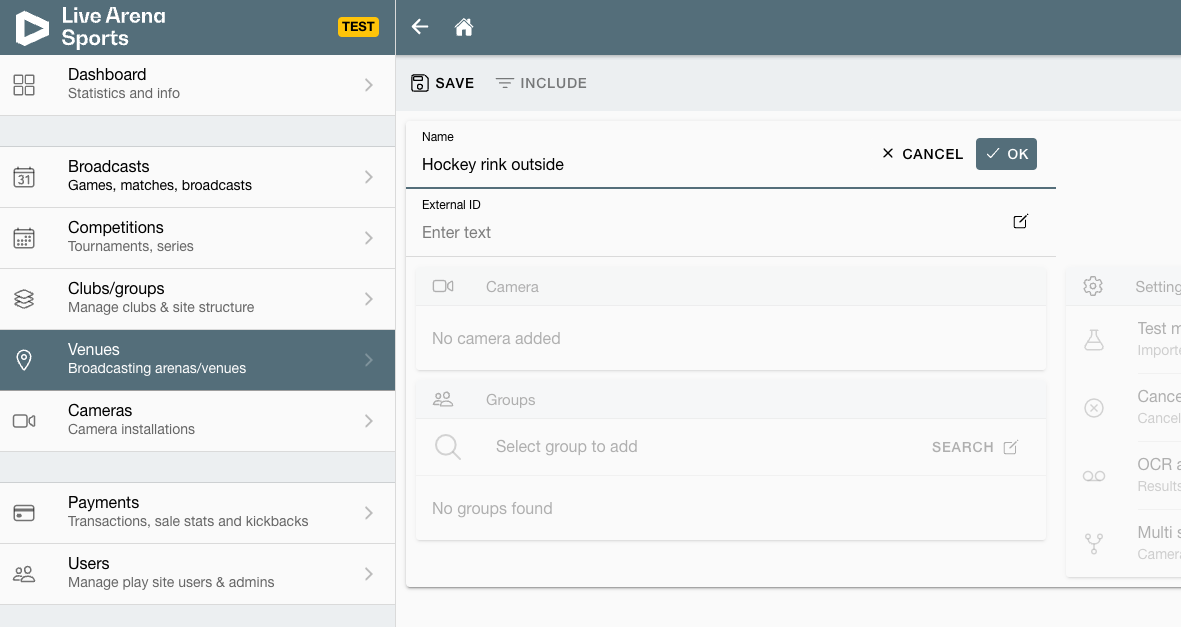
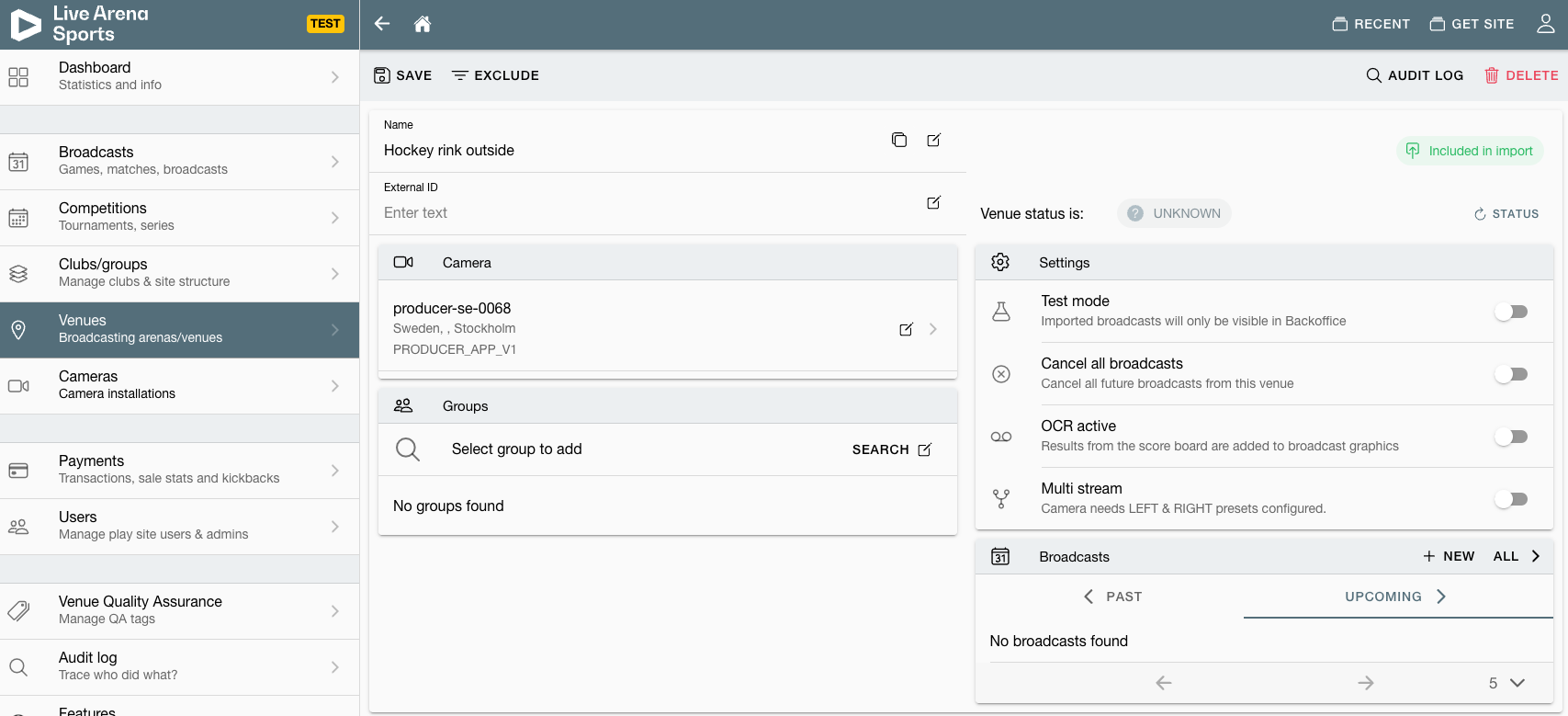
Create a new Venue and give it a name
2. Connect a Camera to it
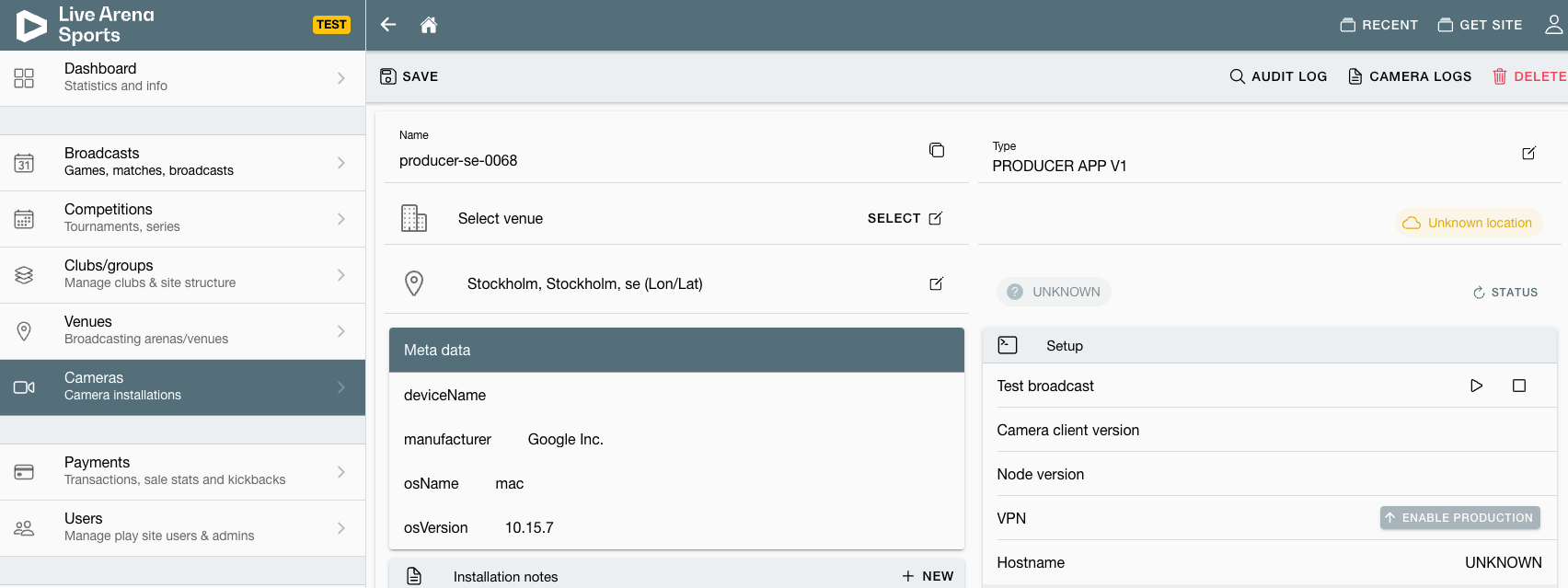
(there will be only one producer app camera per site in upcoming release)
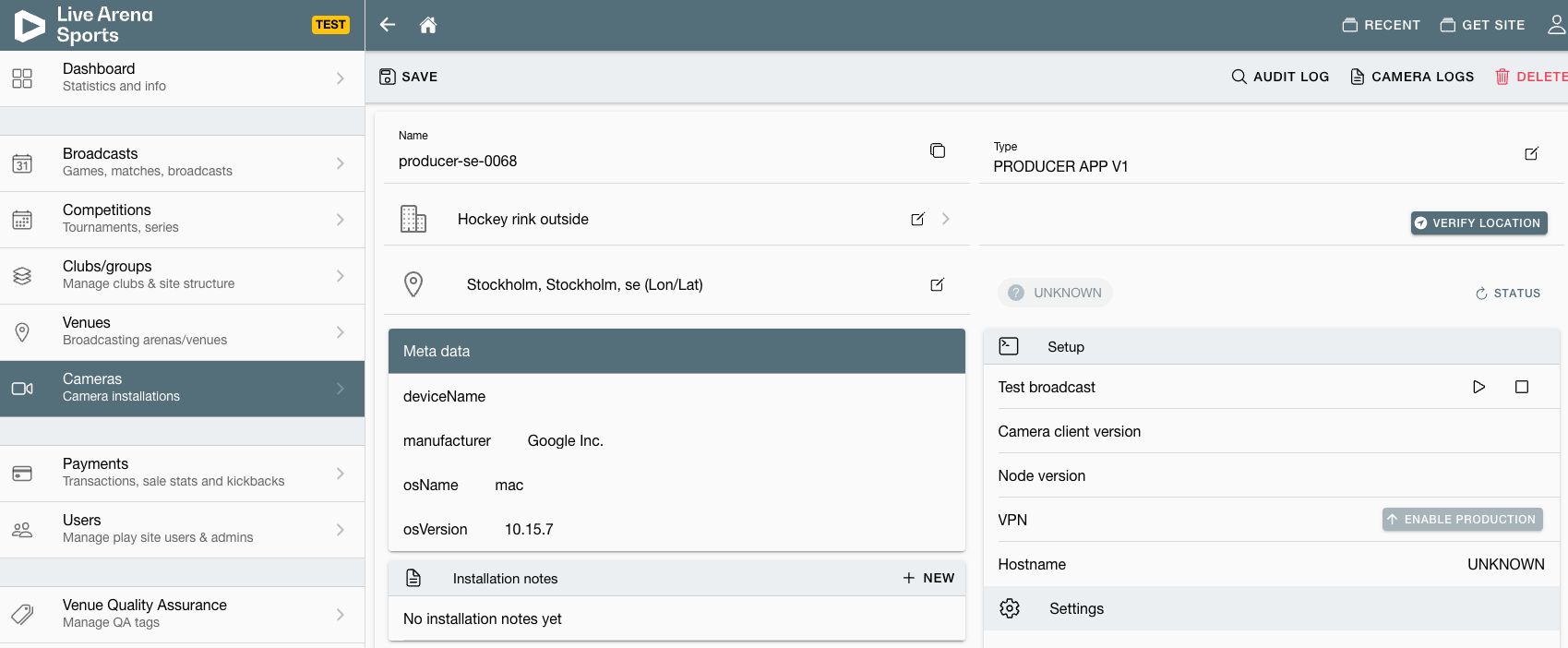
3. Venue is connected to the camera
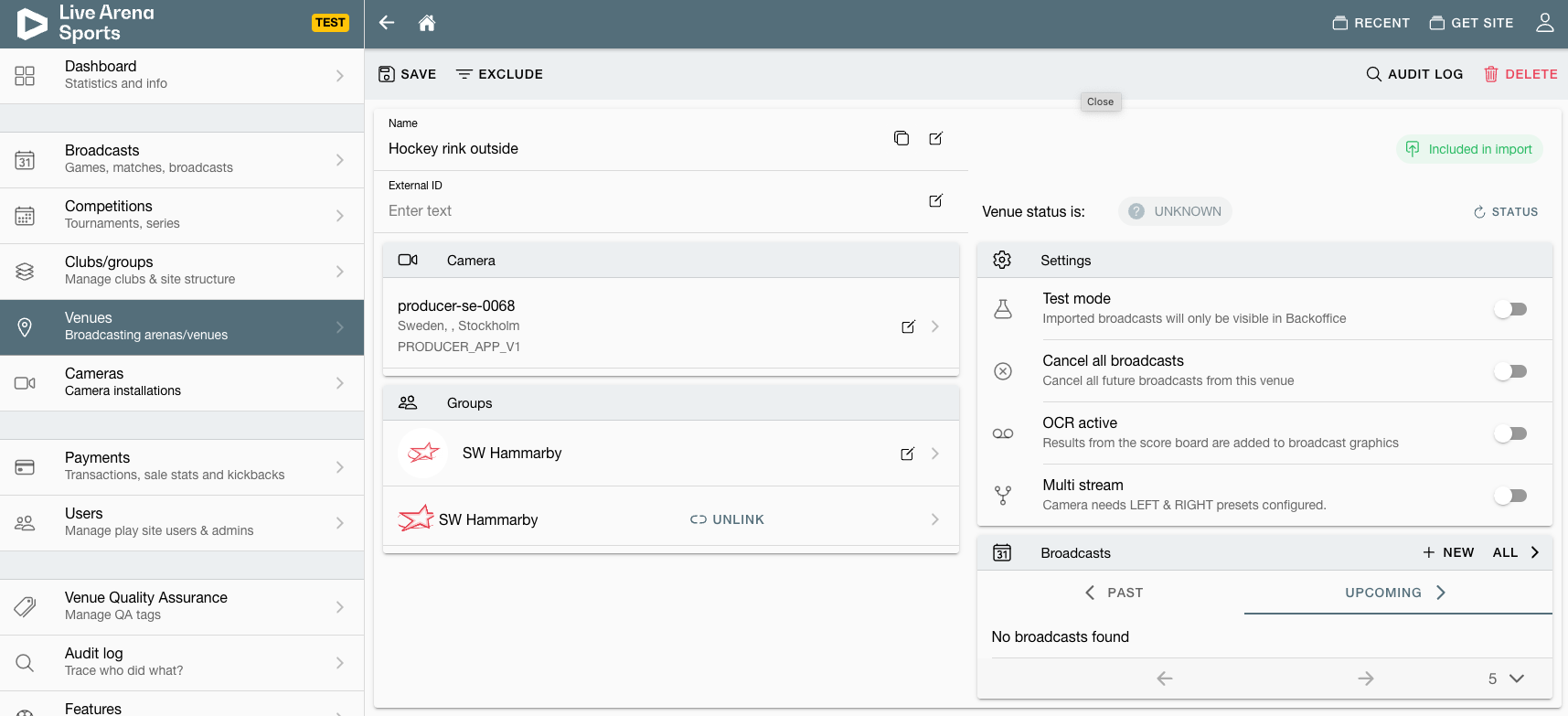
4. Add a club/group to the Venue
5. Create a broadcast from the venue
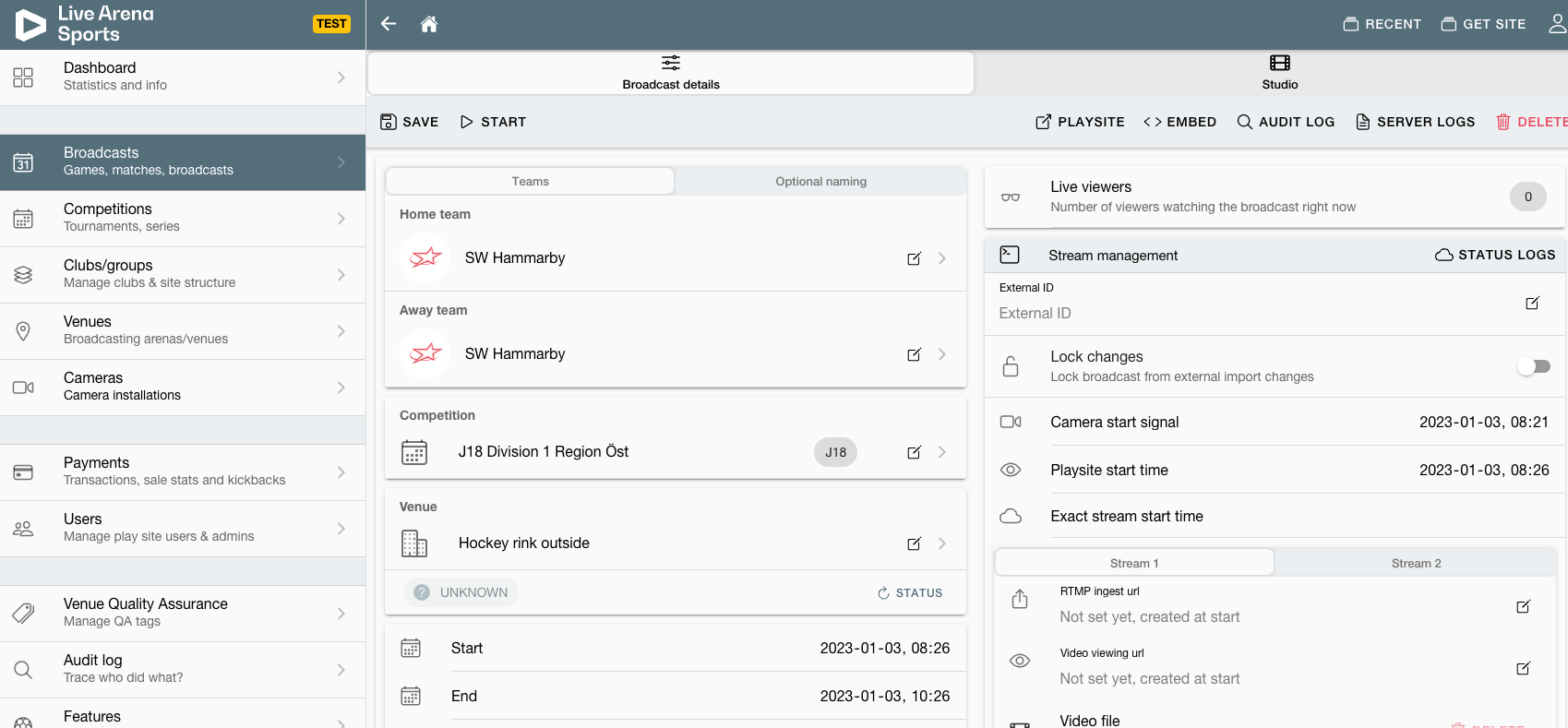
6. Broadcast with the ProducerApp