
Situation Room (MSR)
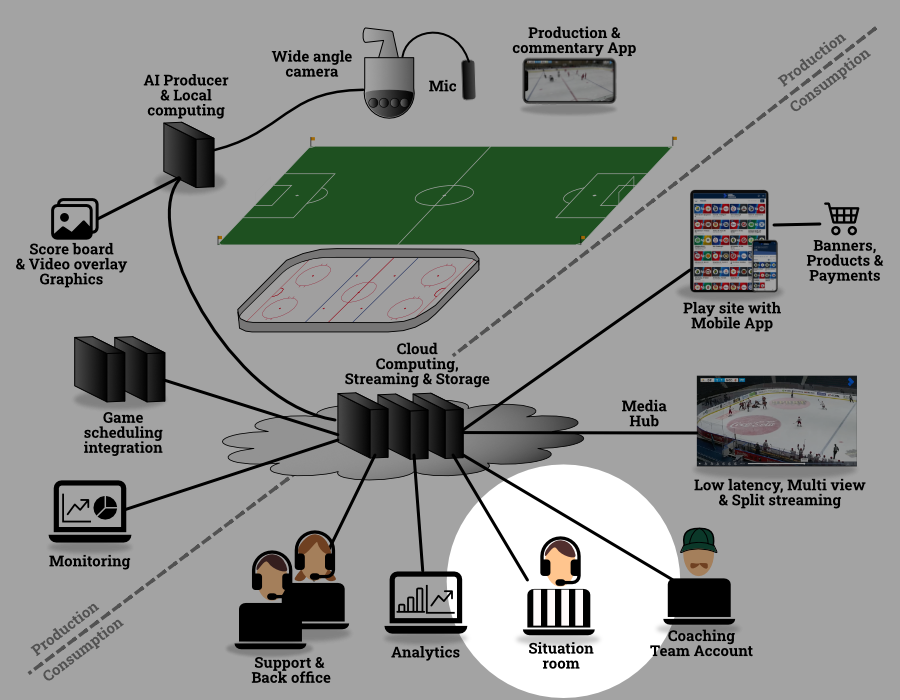
The MSR application is installed on a PC (separate from the Virtual Director PC). During the game the VirtualDirector records all 4 camera streams from the camera. These files can be downloaded to the MSR PC. The MSR software stitches the 4 camera streams into one and offers a very high resolution video of the game.
To download the MSR file use the LiveArena MSR file downloader app, and just choose from which arena and which game you want to download the footage from.
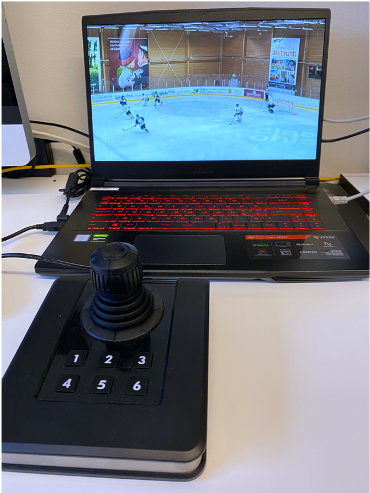
The Manual Situation Room (MSR) for player safety is a solution where you after a game can go back and look into situations in detail by manually zooming and following the game with a joystick and keyboard. This allows the user to act as a camera man that operates a virtual camera.
Teams meeting
With a teams meeting you can show the footage with other to discuss and analyze situations from a game.
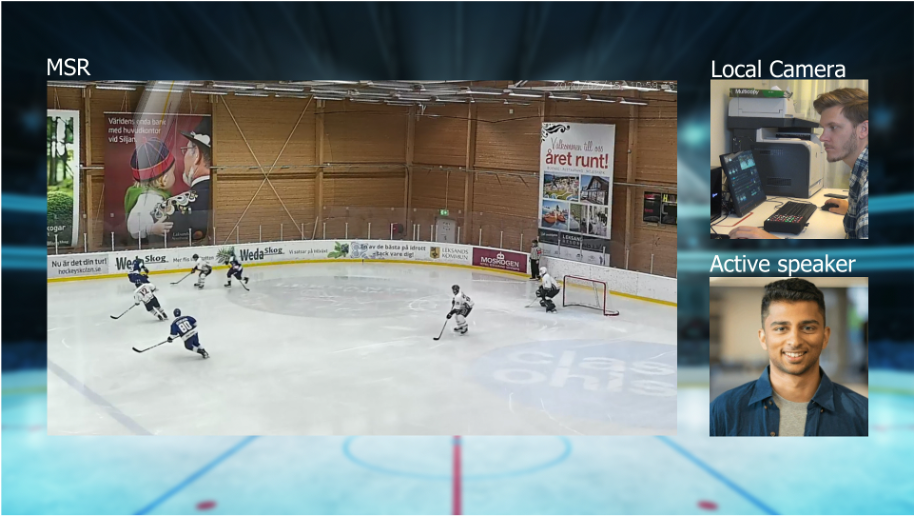
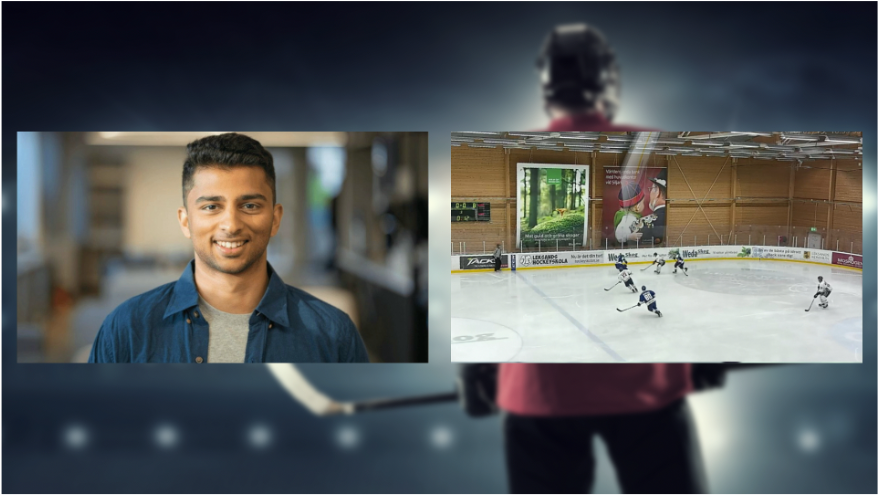
Record or stream yourself and the footage side by side for discussing the footage.
Features of the MSR includes;
Follow the produced video (the broadcasted zoom/tilt/pan view)
Manually moving the virtual camera over the ice
Zoom into the video
Pause
Go slowly forward and backwards down to a single frame
Fast forward
Jump forward
Jump backwards
Display game time and playback speed
Add a seek-point
Jump to the next seek-point
Store a seek-point and the vitual camera setting
Technical
Newtek TriCaster Mini HD-4
MSI GF63 thin 95c
Intel(R) Core(TM) i7-9750H
APEM 100-350 Joystick Vred USB
MSR application
LiveArena MSR File Downloader application